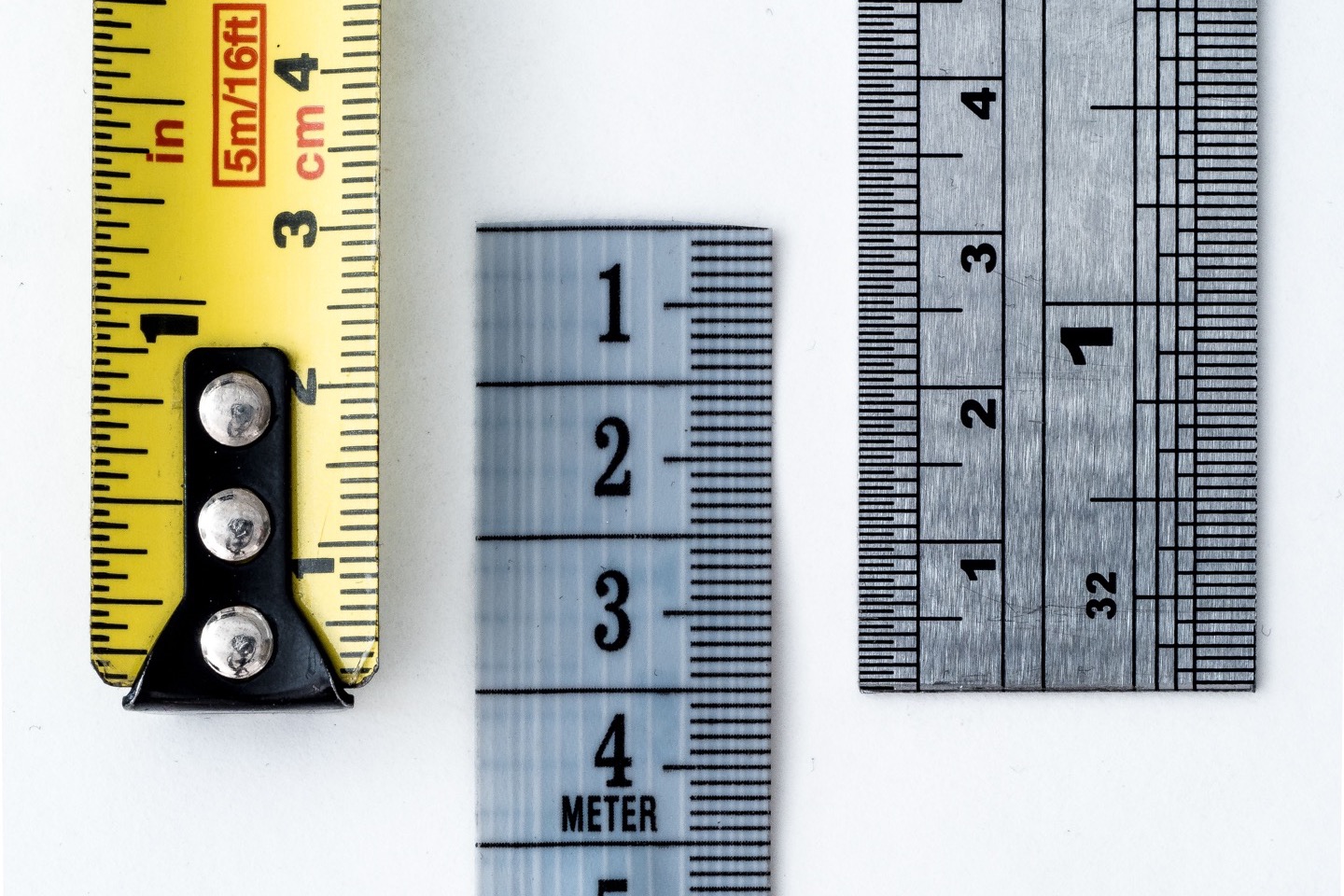
Start with the number and its unit
A body calculator can accept a correct number in the wrong unit and still produce a neat result. Before entering a value, write it as a number with a unit: 165 lb, 5 ft 7 in, or 31 in at the midpoint waist. Then read the label on the calculator field. If the field asks for kilograms or centimetres, convert the recorded value first. Keep the original alongside the converted working value. This makes it possible to check an unexpected result without relying on memory.
Units also describe different kinds of quantity. Pounds and kilograms express body mass in this context; inches and centimetres express length. A percentage is a share of a whole, not a length or mass. A conversion factor can express one length in another unit, but it cannot turn a waist measurement into body-fat percentage. The calculation that uses the measurement has its own method and limits. The BodyNumeral measurement converter handles supported unit pairs; the body calculators apply separate equations to the values you enter.
Convert feet and inches into one height value
A height written as feet and inches has two parts. Multiply the feet by 12, then add the remaining inches. For a hypothetical height of 5 ft 7 in, that is 5 × 12 + 7 = 67 in. Do not enter 5.7 as a decimal number of feet. The value 5.7 ft is 68.4 in, so it describes a different height. If a tool has separate feet and inches fields, enter 5 and 7 in those fields. If it has one inches field, enter 67.
The standard inch is exactly 2.54 cm, according to the U.S. National Institute of Standards and Technology (NIST). Multiply 67 in by 2.54 cm per inch to get 170.18 cm. To express this height in metres, divide centimetres by 100: 170.18 cm = 1.7018 m. Write the unit at each step so the factor can be checked. A calculator that expects metres must receive 1.7018 for this example, not 170.18. The numerical difference is large even though both values describe the same height when their units are attached.
For a measurement taken directly in centimetres, use that original reading when a tool accepts centimetres. Converting it to inches and back adds a step with no benefit. If a record only has feet and inches, convert from the full total-inch value. Keep the unrounded centimetre result through later arithmetic. Round at the display step to match the measurement or tool, and label the rounded value. That keeps a convenient display from silently changing the input used by the equation.
Convert pounds and kilograms separately
One ordinary avoirdupois pound is exactly 0.45359237 kg. The hypothetical 165 lb record therefore becomes 165 × 0.45359237 = 74.84274105 kg. A displayed value of about 74.84 kg is useful for a quick check. Use the full conversion when you compare a calculator result, then round only the value you show. If you need to go the other way, divide kilograms by 0.45359237. The BodyNumeral converter uses this same pound factor for its Weight group.
Check whether a field says weight in lb, weight in kg, or an output that is already converted for display. Many BodyNumeral calculators let you choose U.S. or metric entry. Their U.S. weight fields convert pounds internally. Enter 165 in a pounds field; do not enter 74.84 there after converting it yourself. When a field is labeled kilograms, use the kilogram value. A second conversion would make the number wrong even though the arithmetic used a valid factor. Read the field label each time you switch tools.
Keep tape readings tied to their measurement sites
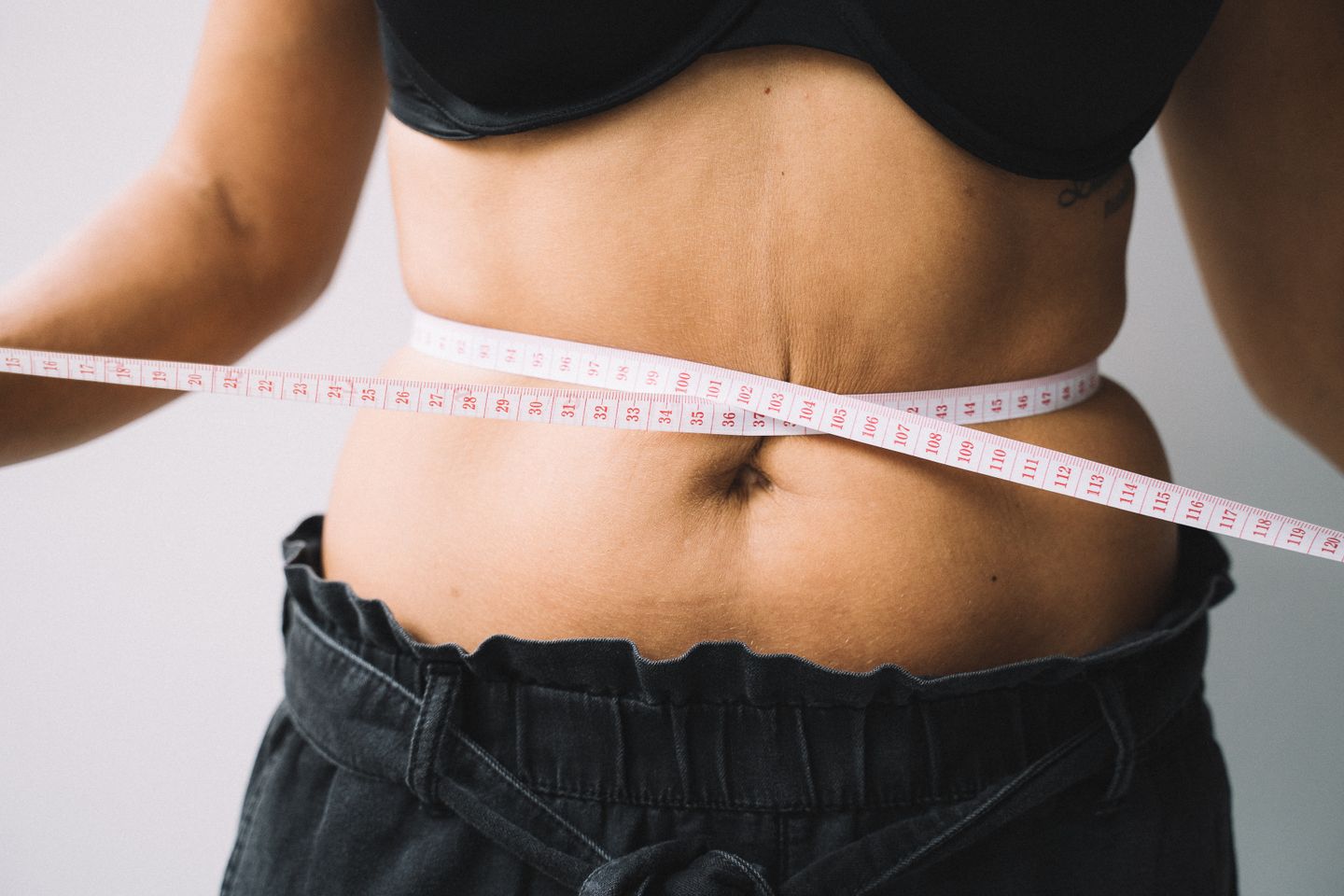
The same 2.54 cm-per-inch factor applies to a tape reading. A hypothetical 31 in waist becomes 31 × 2.54 = 78.74 cm. The conversion says nothing about where that waist was measured. A midpoint waist, an abdomen reading at the navel, and a narrowest-waist reading can differ even when all three are written in centimetres. Check the selected calculator's landmark before you compare or reuse a value. The BodyNumeral tape-measurement guide lists the sites used by its different methods.
For a ratio made from two lengths, use the same unit on both sides of the division. The hypothetical midpoint waist of 31 in and height of 67 in give 31 ÷ 67 = about 0.463. Their converted values give 78.74 cm ÷ 170.18 cm = about 0.463. The units cancel in either calculation. If you divide 78.74 cm by 67 in as bare numbers, you get about 1.175, which is not the intended ratio. This check applies to waist-to-height and waist-to-hip arithmetic, but each method still needs its own defined tape sites.
Do not use the 31 in example as a universal waist field. Here it is labeled as a midpoint waist for a waist-to-height comparison. A calculator that asks for the abdomen at the navel needs that measurement instead. If your tape has inches on one face and centimetres on the other, read the unit printed beside the marks before you record the value. A copied number without its unit and site cannot be repaired reliably by a converter later.
Use the worked conversion table
This filled example uses hypothetical inputs, not measurements of a person. It shows the original record, one conversion step, and the value to use in a field labeled with the metric unit. The table is a check on units; it does not interpret body size or recommend a target. Read across a row before entering a value. The height row first combines feet and remaining inches, while the weight and waist rows each use their own factor.
| Recorded input | Calculation | Metric working value | Use in a labeled field |
|---|---|---|---|
| Height: 5 ft 7 in | 5 × 12 + 7 = 67 in; 67 × 2.54 | 170.18 cm | Height in cm: 170.18 |
| Body weight: 165 lb | 165 × 0.45359237 | 74.84274105 kg | Weight in kg: about 74.84 |
| Midpoint waist: 31 in | 31 × 2.54 | 78.74 cm | Midpoint waist in cm: 78.74 |
To check the height conversion in the BodyNumeral measurement converter, choose Length and enter 67 in the Inches field. The Centimetres field should show 170.18. Choose Weight and enter 165 in Pounds; Kilograms should show 74.84274105. For the waist, return to Length and enter 31 in Inches; Centimetres should show 78.74. The converter updates other fields from the full entered value and displays up to 10 significant digits. Keep the recorded values beside the displayed values so rounding never hides which number came from the tape or scale.
Check rounding before comparing results
Conversion factors can be exact while the original reading is approximate. A scale that shows whole pounds does not establish body mass to eight decimal places. The long kilogram value in the worksheet makes the arithmetic traceable; it is not a claim of measurement precision. NIST advises choosing an appropriate number of digits and rounding converted values for their use. Keep more digits while calculating to avoid avoidable rounding drift, then report a sensible rounded result with its unit and source reading.
A repeated result can change because the measurement changed, the unit was entered incorrectly, or the calculator method changed. Before interpreting a difference, compare the raw inputs, units, tape landmarks, and method names. If a 31 in waist appears later as 31 cm, check the record before treating the lower number as a change. If a calculator already accepts inches, use the original inch reading in that field and leave conversion to the tool. The comparison guide on repeated measurements explains how to keep a consistent record over time.
Keep a small record for each result: date, raw number, unit, tape site when relevant, converted working number, calculator name, and selected unit mode. For example, write '31 in, midpoint waist; 78.74 cm working input' rather than only '78.74'. If the goal is a personal health decision, a conversion worksheet cannot answer it. Bring the measurements and method details to a qualified professional when the result matters for care. For ordinary calculator use, the record lets you check the arithmetic and choose the matching field without inventing meaning for the output.
Common questions
Is 5 ft 7 in the same as 5.7 ft?
No. Five feet seven inches is 67 inches, or 170.18 cm. The decimal 5.7 ft is 68.4 inches, or 173.736 cm.
Should I convert a value before using a U.S. unit field?
Enter the original pound or inch value when the field is labeled lb or in. Convert it only when the field asks for another unit.
Does a converted waist value work in every waist calculator?
No. The unit can be correct while the measurement site is wrong. Check whether the method requires a midpoint waist, navel abdomen, or another site.
CHECK THE EVIDENCESources & limitations3 sources
Sources checked September 26, 2026. These notes explain methods and assumptions. They have not received an independent clinical review.